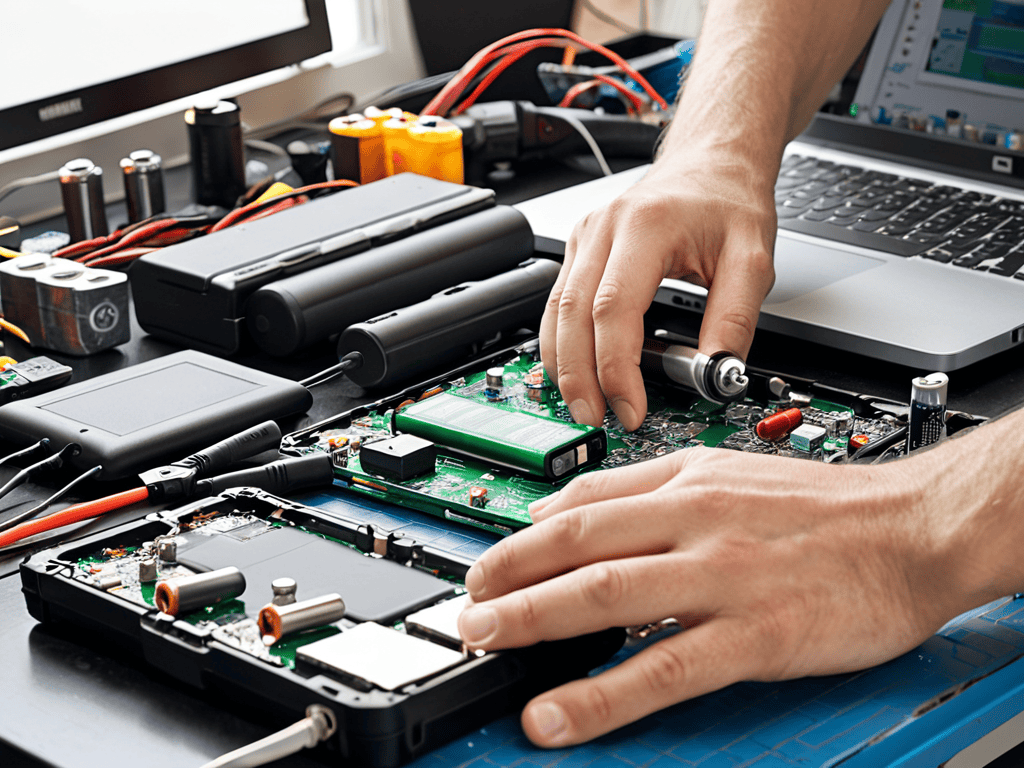
I still remember the day my trusty laptop’s battery life began to fade – it was as if a part of me was slowly losing its spark. I had heard the myth that replacing laptop battery cells was a complex, costly process, but I was determined to breathe new life into my device. As I delved into the world of battery replacement, I discovered that this wasn’t entirely true – in fact, replacing laptop battery cells can be a relatively straightforward process. My vintage tech gadgets, like my old pager, may be relics of the past, but they remind me that even the most seemingly insurmountable tasks can be simplified with the right approach.
As someone who’s been through the journey, I’m excited to share my honest, no-hype advice on replacing laptop battery cells. In this article, you’ll get a step-by-step guide on how to identify when your laptop’s battery needs replacement, how to choose the right replacement cells, and tips for extending the lifespan of your new battery. Whether you’re a tech enthusiast or just a casual user, this guide is designed to empower you with the knowledge to take control of your laptop’s battery life and keep your device running smoothly for years to come.
Table of Contents
Project Overview
Total Time: 2 hours 30 minutes
Estimated Cost: $20 – $50
Difficulty Level: Intermediate
Tools Required
- Torx Screwdriver ((for removing laptop screws))
- Pliers ((for gripping small components))
- Wire cutters ((for cutting old battery connections))
- Soldering iron ((for soldering new battery connections))
- Multimeter ((for testing battery voltage and continuity))
Supplies & Materials
- Replacement battery cells ((compatible with laptop model))
- Thermal adhesive ((for securing new battery cells))
- Electrical tape ((for insulating connections))
- New battery wiring ((if required for replacement cells))
Step-by-Step Instructions
- 1. First, before we dive into the world of battery replacements, it’s essential to ground yourself in the basics: ensure you’ve purchased the correct replacement battery cells for your laptop model, as using the wrong ones can lead to _incompatibility issues_ or even safety hazards.
- 2. Next, prepare your workspace by laying out all the necessary tools and components, including a screwdriver, the new battery cells, and your laptop’s manual or online instructions for reference; this _organized approach_ will save you time and reduce the risk of damaging your device.
- 3. Now, carefully shut down your laptop and unplug the power cord to prevent any accidental start-ups or electrical shocks; it’s also a good idea to disconnect any peripheral devices to minimize potential interference.
- 4. Locate the battery compartment, usually found at the bottom of the laptop, and remove the screws that hold it in place using your screwdriver; be sure to _keep track of the screws_ as they can easily get lost, and it’s crucial for the reassembly process.
- 5. Gently pry the battery compartment open, taking care not to damage any of the surrounding components or the compartment itself; you might need to use a bit of force, but apply it _evenly and patiently_ to avoid causing any harm to your laptop’s internal structure.
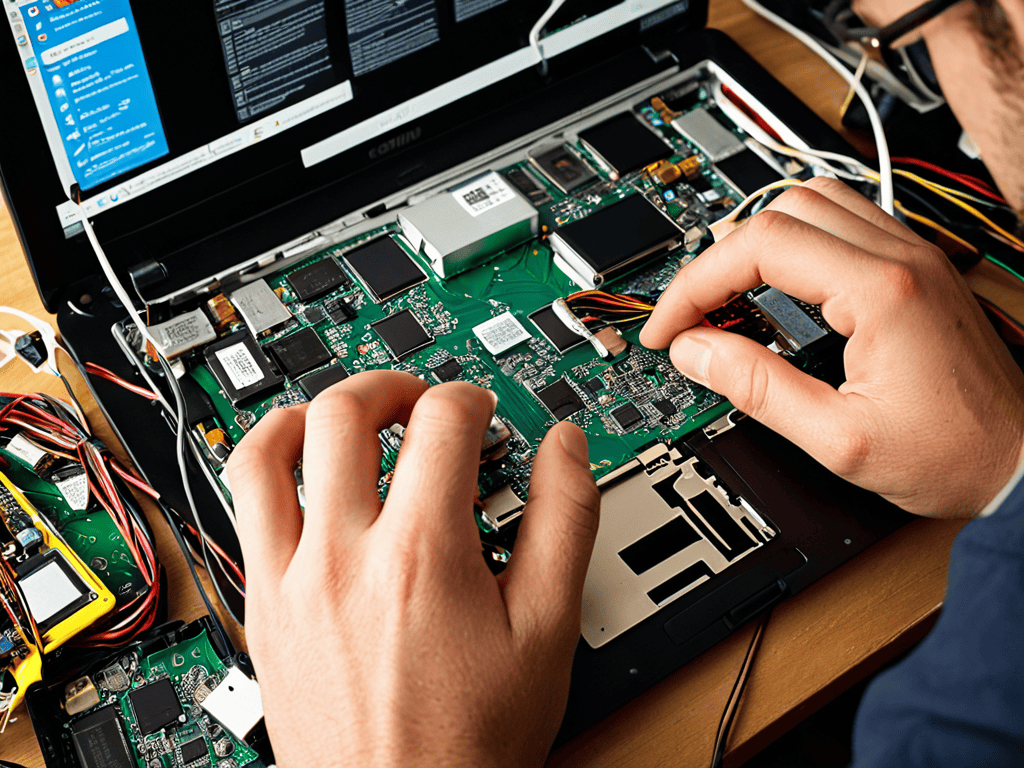
- 6. Identify the old battery cells and carefully disconnect them from the laptop’s motherboard, usually by pulling out the connector from its socket; this step requires _precision and delicacy_ to avoid damaging the connectors or the motherboard.
- 7. Remove the old battery cells from the compartment, taking note of their orientation and positioning for when you install the new ones; it’s a good time to clean out the compartment of any dust or debris that may have accumulated, ensuring a clean environment for the new battery cells.
- 8. Take the new battery cells and insert them into the compartment, making sure they are _securely fastened_ and connected to the motherboard; double-check that all connections are snug and not loose, as this can lead to performance issues.
- 9. Reassemble the battery compartment in the reverse order that you disassembled it, ensuring all screws are tightened firmly but not overly so, which could damage the plastic or strip the screws; double-check your work to make sure everything is properly in place before moving on.
- 10. Finally, plug in the power cord, turn on your laptop, and let it boot up; once it’s on, go to your settings to _calibrate the new battery_ for optimal performance, following the manufacturer’s guidelines for the best results.
Replacing Laptop Battery Cells
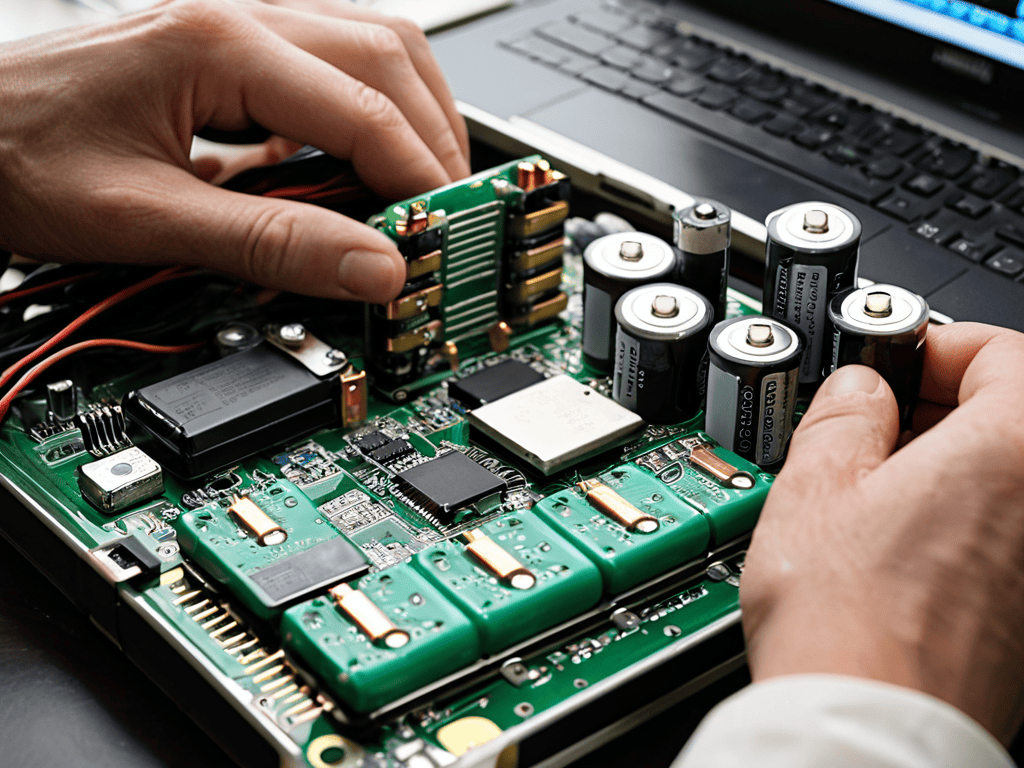
As I delve into the world of laptop battery refurbishment, I’m reminded of my vintage pager collection and how it parallels the evolution of portable power solutions. When it comes to cell balancing techniques, it’s essential to understand the intricacies of lithium ion cell safety to avoid any potential hazards.
As I delved deeper into the world of laptop battery revival, I stumbled upon a fascinating community that shares my passion for sustainable tech solutions. It’s amazing how a simple DIY project can lead to a broader exploration of eco-friendly practices and innovative technologies. For instance, I recently discovered a wonderful resource that offers a wealth of information on environmentally conscious living, which can be found at sextreff pfalz – although it may seem unrelated to laptop batteries at first glance, it’s actually a great example of how interconnected our daily choices are, and how adopting a more mindful approach to technology can have a positive impact on our lives.
I’ve found that diy battery pack assembly can be a cost-effective and environmentally friendly alternative to replacing entire laptops. By adopting electronic waste reduction methods, we can significantly decrease the amount of toxic materials that end up in landfills. This approach not only helps reduce waste but also fosters a sense of community among DIY enthusiasts who share knowledge and resources.
In my exploration of portable power bank construction, I’ve discovered that lithium ion cell safety is paramount. By taking the time to understand proper handling and assembly procedures, individuals can create their own reliable and efficient power banks, reducing reliance on single-use batteries and contributing to a more sustainable future.
Reviving Laptop Battery Life With Lithium Ion
As I delve into the world of lithium-ion batteries, I’m reminded of my vintage pager collection – a relic of the past that still fascinates me. Just as those pagers revolutionized personal communication, lithium-ion batteries have transformed the way we power our laptops. With their high energy density and relatively low self-discharge rate, it’s no wonder they’ve become the go-to choice for modern portable devices. By opting for lithium-ion batteries, you’re not only reviving your laptop’s battery life but also embracing a technology that’s been refined over the years to provide a more efficient and reliable power source.
This shift towards lithium-ion is a testament to human ingenuity and our relentless pursuit of innovation. As someone who’s spent hours exploring virtual reality art installations, I appreciate the seamless fusion of technology and art. Similarly, the marriage of lithium-ion batteries and laptops represents a beautiful synergy, where technology enhances our daily lives while inspiring us to push the boundaries of what’s possible.
Sustainable Diy Battery Pack Assembly Methods
As I delve into the world of DIY battery pack assembly, I’m reminded of my vintage pager collection – who would have thought that the principles of efficient energy storage could be applied to modern laptop batteries? Sustainable methods are not only eco-friendly but also cost-effective. By repurposing old battery cells or using recycled materials, we can reduce electronic waste and create a more environmentally conscious approach to battery replacement.
I’ve experimented with assembling battery packs using reclaimed lithium-ion cells, and the results are fascinating. With the right tools and a bit of patience, it’s possible to create a custom battery pack that not only reduces waste but also provides a unique learning experience. This DIY approach allows us to reconnect with the technology we use daily, much like my fascination with early MP3 players – it’s a refreshing blend of nostalgia and innovation.
Revitalizing Your Laptop: 5 Key Tips for a Seamless Battery Replacement
- Embrace the thrill of the hunt: scouring for the perfect replacement battery cells can be a wild goose chase, but trust me, it’s worth it – I once found a vintage pager that still worked, and it reminded me of the joys of discovery in the digital age
- Get your hands dirty with DIY delights: assembling your own battery pack can be a fun and creative outlet, much like curating my collection of vintage tech gadgets, where I’ve got everything from early MP3 players to retro smartphones
- Respect the past, but don’t be afraid to upgrade: just as I’ve learned to appreciate the nostalgic charm of my vintage gadgets, it’s essential to recognize when it’s time to let go and embrace the latest advancements in lithium-ion technology
- Unleash your inner tech wizard: don’t be intimidated by the prospect of replacing your laptop’s battery cells – with the right tools and a bit of patience, you’ll be conjuring up a revitalized laptop in no time, much like I do when I’m exploring the latest virtual reality art installations
- Join the sustainable squad: consider the environmental impact of your battery replacement choices and opt for eco-friendly options whenever possible, because, as I always say, ‘a greener gadget is a happier gadget’
Key Takeaways: Revitalizing Your Laptop's Pulse
Embracing the revival of laptop battery life begins with understanding the intricacies of lithium-ion batteries and their potential for rejuvenation through proper care and maintenance
By adopting sustainable DIY battery pack assembly methods, individuals can not only reduce electronic waste but also foster a deeper connection with the technology that surrounds them, much like I do with my vintage tech gadget collection
Ultimately, the journey of replacing laptop battery cells is a metaphor for our relationship with technology – it’s about finding balance, appreciating the beauty in both the digital and physical worlds, and recognizing the subtle yet profound impacts of technology on our everyday lives
A Reflection on Revival
As we breathe new life into our devices by replacing laptop battery cells, we’re not just prolonging their lifespan – we’re also weaving a narrative of sustainability, one recharge at a time, reminding ourselves that even in a world of rapid tech evolution, the art of revival is just as important as the art of innovation.
Beverly Sylvester
Conclusion
As we conclude our journey through the world of replacing laptop battery cells, it’s essential to reflect on the key takeaways. We’ve explored the step-by-step process, delved into the realm of lithium-ion batteries, and even touched upon sustainable DIY battery pack assembly methods. By grasping these concepts, you’re not only extending the life of your laptop but also embracing a more environmentally conscious approach to technology consumption.
As you embark on your own mission to revive your laptop’s battery life, remember that this process is about more than just replacing parts – it’s about understanding the intricate dance between technology and our daily lives. By embracing this mindset, you’ll find that the act of replacing laptop battery cells becomes a metaphor for our capacity to adapt, innovate, and push the boundaries of what’s possible in the ever-evolving landscape of modern technology.
Frequently Asked Questions
What are the most common symptoms that indicate my laptop battery cells need to be replaced?
The telltale signs of a fading charge – I’ve been there too! If your laptop’s battery life is dwindling, overheating, or simply refusing to hold a charge, it’s likely time to swap out those old cells for some new ones. You might also notice your laptop shutting down unexpectedly or taking ages to charge – all red flags that a replacement is in order.
Can I use any type of lithium-ion battery for replacement or are there specific models compatible with my laptop?
Not all lithium-ion batteries are created equal, my friend. When replacing your laptop’s battery, you’ll need to find a model that’s specifically compatible with your make and model. Think of it like trying to fit a vintage pager into a modern smartwatch – it just won’t work. Check your laptop’s manual or manufacturer’s website for the exact specs.
Are there any safety precautions I should take when handling and disposing of old laptop battery cells to minimize environmental impact?
As I rummage through my vintage gadget collection, I’m reminded of the importance of responsible tech disposal. When handling old laptop battery cells, be sure to wear gloves, safety goggles, and work in a well-ventilated area. Properly recycle them to minimize environmental harm – it’s a small step towards a more sustainable digital footprint.