
The way we store and access data has undergone a significant transformation with the advent of cloud storage. Did you know that the global cloud storage market is projected to reach $297.54 billion by 2028, growing at a CAGR of 14.3%? This rapid growth underscores the increasing reliance on cloud services for both personal and business data management.
Cloud storage allows users to store their files remotely and access them from anywhere with an internet connection, revolutionizing data management. This service has evolved from simple file hosting to comprehensive solutions that include data syncing, backup, and enhanced security features.
I will guide you through the world of cloud storage, exploring its benefits, top providers, and how to make informed decisions about your data storage needs.
Key Takeaways
- Understanding the concept and benefits of cloud storage.
- Exploring the evolution of cloud storage services.
- Identifying top cloud storage providers.
- Learning how to choose the right cloud storage for your needs.
- Discovering the importance of data security in cloud storage.
What Is Cloud Storage and How Does It Work?
The way we store and access data has undergone a significant transformation with the advent of cloud storage. This technology has revolutionized the way we manage our data, offering a convenient, scalable, and on-demand solution.
Definition and Basic Concepts
Cloud storage is a service that enables users to store data on remote servers accessed via the internet. It differs from traditional local storage methods, where data is stored on physical devices such as hard drives or solid-state drives. With cloud storage, users can store, manage, and retrieve their data from anywhere, at any time, using any device with an internet connection.
The fundamental concepts of cloud storage include its ability to provide on-demand storage resources, scalability, and multi-tenancy. This means that users can easily scale up or down to meet their changing storage needs, without having to worry about the underlying infrastructure.
The Technology Behind Cloud Storage
The technology behind cloud storage involves a network of remote servers, data centers, and networking infrastructure. When a user uploads data to the cloud, it is stored on multiple servers, often in different locations, to ensure redundancy and durability. The data is typically stored in a virtualized environment, which allows for efficient resource allocation and scalability.
The process of uploading, storing, synchronizing, and retrieving data from cloud storage systems involves a complex interplay of technologies, including data encryption, compression, and deduplication. Users can interact with their stored data through various interfaces, including web applications, desktop clients, and mobile apps.
The scalability of cloud storage allows it to grow with users’ needs, making it an attractive solution for both personal and business applications. By leveraging the power of cloud computing and virtualization, cloud storage providers can offer a highly reliable, secure, and on-demand storage service.
Types of Cloud Storage Solutions
The world of cloud storage is diverse, with multiple types of storage solutions available to cater to different needs. As we explore these options, it’s essential to understand the unique advantages of each.
Object Storage
Object storage is a type of cloud storage that stores data as objects, each containing a file and its metadata. This makes it ideal for storing unstructured data like media files. Services like Amazon S3, Oracle Cloud Storage, and Microsoft Azure Storage are popular examples of object storage. By storing data as objects, users can efficiently manage and retrieve their files.
File Storage
File storage systems organize data in a hierarchical structure, similar to traditional file systems. This makes it familiar to most users and suitable for applications that require shared access to files. Amazon Elastic File System (EFS) and Qumulo Core are examples of file storage services that provide a file storage solution for various needs.
Block Storage
Block storage is designed for applications that require low-latency access, such as databases and virtual machines. It stores data in fixed-size blocks, allowing for efficient data retrieval and manipulation. Amazon Elastic Block Store (EBS) is a popular block storage service used for enterprise applications.
Understanding the differences between object storage, file storage, and block storage is crucial for choosing the right cloud storage solution for your needs. Some cloud providers even offer hybrid solutions that combine different storage types, providing flexibility and scalability.
Benefits of Using Cloud Storage
Cloud storage has become increasingly popular due to its numerous benefits, including enhanced accessibility and cost-effectiveness. As businesses and individuals increasingly rely on digital data, the advantages of cloud storage are more pronounced than ever.

Accessibility and Convenience
One of the primary benefits of cloud storage is its ability to provide users with immediate access to their files from any device with an internet connection. This level of accessibility allows for greater flexibility and productivity, as users are no longer tethered to a specific location or device. Additionally, cloud storage services often include automatic syncing across devices, ensuring that files are always up-to-date.
Cost-Effectiveness
Cloud storage is also highly cost-effective. Companies only pay for the storage they actually use, typically based on an average of consumption during a month, quarter, or year. This model shifts expenses from capital expenditures to operational expenses, providing a more manageable and predictable cost structure. As noted by industry experts, “The cloud storage model is a significant departure from traditional storage methods, offering a more scalable and economical solution.”
“The cloud storage model is a significant departure from traditional storage methods, offering a more scalable and economical solution.”
Scalability and Flexibility
Furthermore, cloud storage offers virtually unlimited scalability, allowing users to increase their storage capacity as needed without requiring hardware investments. This scalability is coupled with the flexibility to choose different storage tiers based on access frequency needs, optimizing both performance and cost. As a result, businesses can enjoy enhanced data management capabilities without the burden of maintaining physical storage infrastructure.
Overall, the benefits of cloud storage, including its accessibility, cost-effectiveness, and scalability, make it an attractive solution for both personal and professional data management needs.
Top Cloud Storage Services in 2024
As we dive into 2024, it’s essential to explore the top cloud storage services that can cater to various needs and preferences.
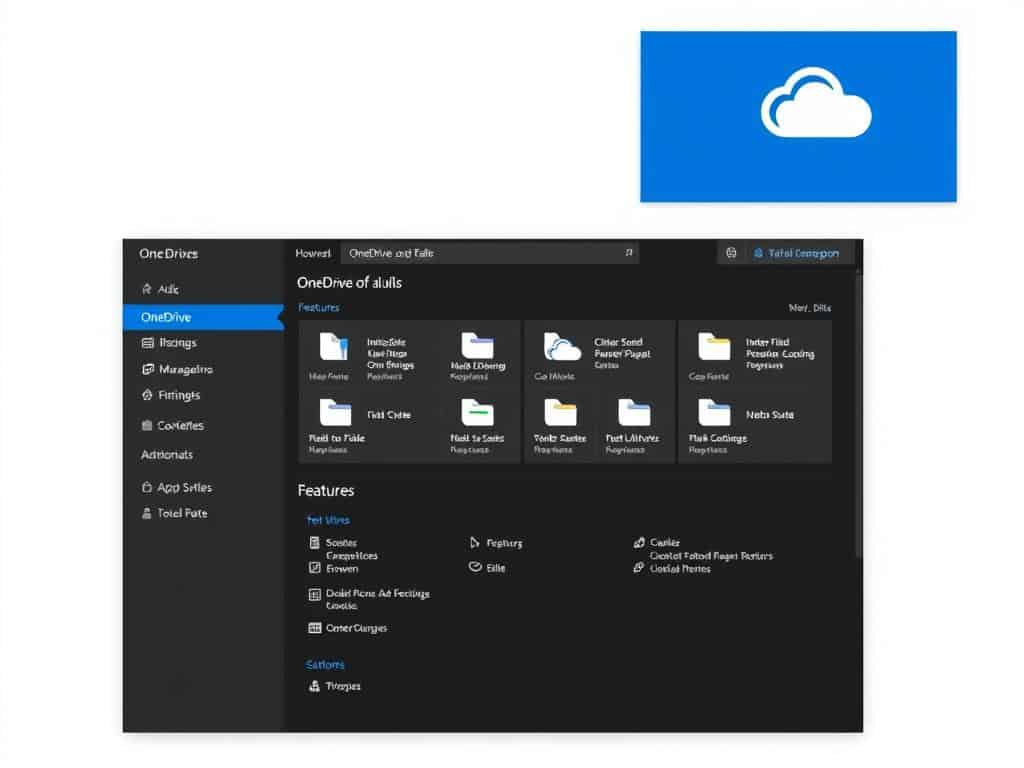
Microsoft OneDrive
Overview
Microsoft OneDrive is our top pick overall, earning our Editors’ Choice award and a rare five-star rating. It is a great storage and syncing option for just about anybody, working on all major devices.
Pros
OneDrive offers a seamless experience for Microsoft ecosystem users, with excellent integration with Windows and Office 365. Its value proposition is enhanced by its robust features and user-friendly interface.
Cons
While OneDrive excels in many areas, it may not be the best choice for those not using Microsoft products, as its benefits are most pronounced within the Microsoft ecosystem.
Features
OneDrive includes features like file sharing, storage, and syncing across devices. It also offers advanced security features to protect user data.
Google Drive
Overview
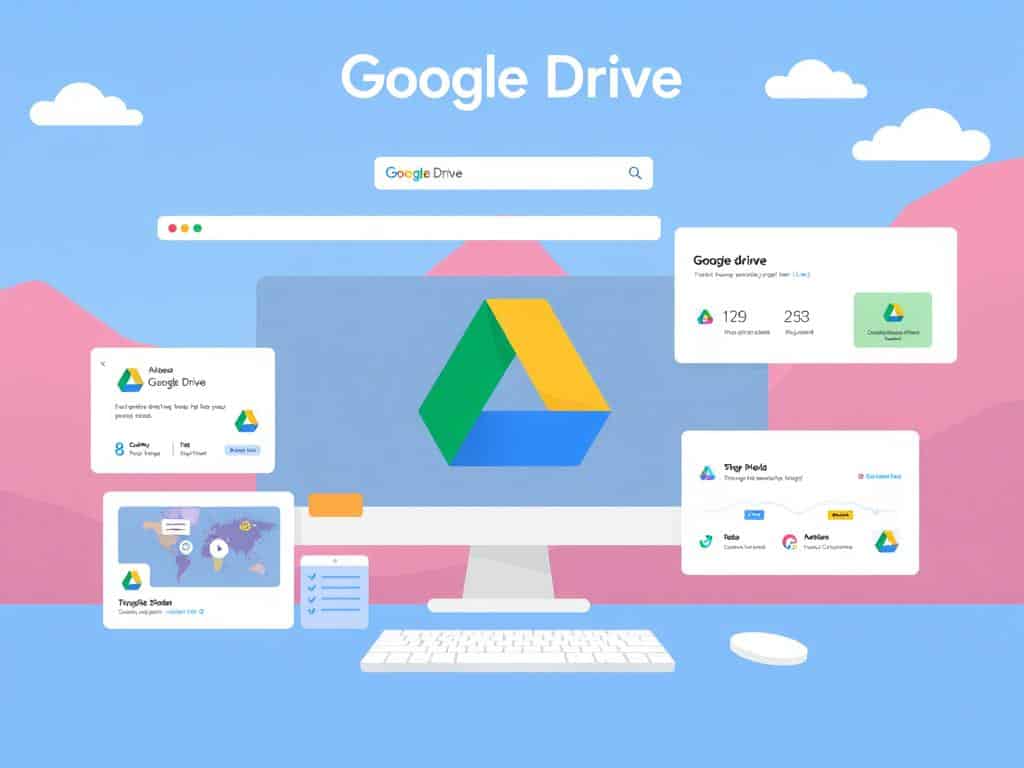
Google Drive has strong file sharing capabilities and offers more free storage space than most competitors, with 15GB of storage shared with Gmail.
Pros
Google Drive excels in collaboration tools and integrates well with Google Workspace applications, making it ideal for users already invested in the Google ecosystem.
Cons
The free storage limit is shared across Google services, which can be a drawback for heavy users.
Features
Google Drive includes features like real-time collaboration, file sharing, and integration with other Google apps.
IDrive
Overview
IDrive has long offered the best deal for online syncing and storage, providing the most space per dollar and no limit on the number of devices you can install it on.
Pros
IDrive is highly competitive in terms of pricing and offers robust backup capabilities alongside traditional cloud storage features.
Cons
IDrive’s interface may not be as polished as some competitors, and it lacks some advanced features.
Features
IDrive includes features like automatic backup, file syncing, and a user-friendly interface for managing your data.

Dropbox
Overview
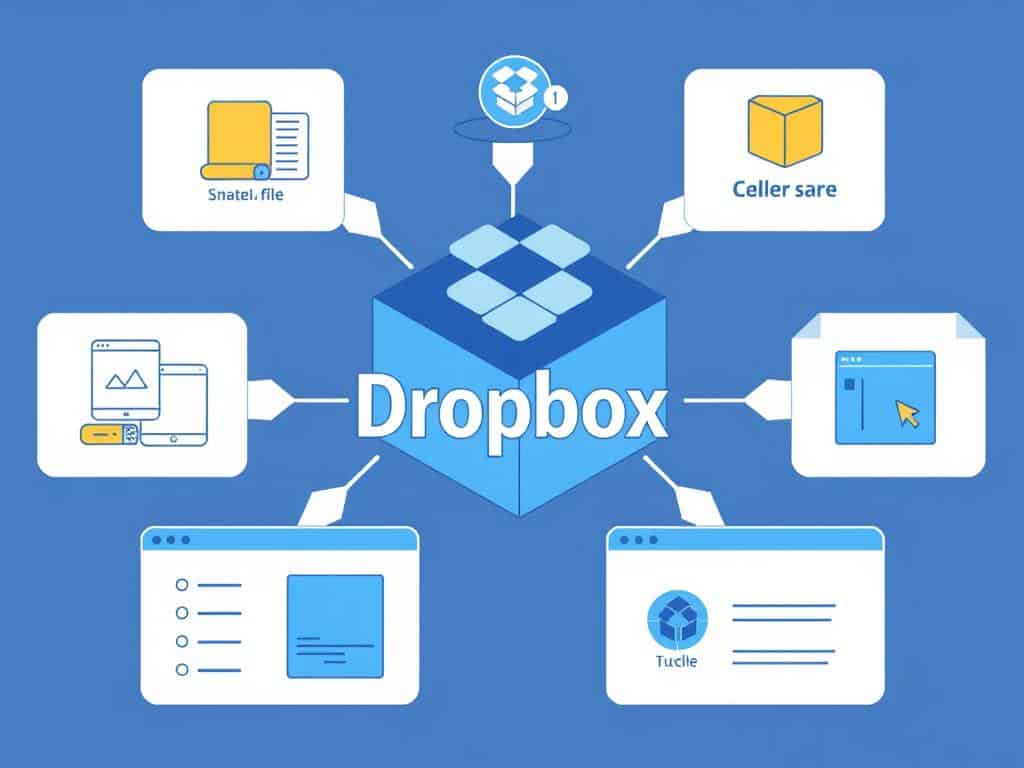
Dropbox is an established player in the online storage and syncing space, offering a reliable service with good features like e-signatures.
Pros
Dropbox excels in file sharing and collaboration, with advanced features and third-party integrations.
Cons
Dropbox can be pricey, especially for larger storage needs.
Features
Dropbox includes features like file sharing, collaboration tools, and integration with other apps.
Proton Drive
Overview
Proton Drive offers the best privacy and security of any of the services included here, with files fully encrypted at rest and in transit.
Pros
Proton Drive is ideal for users with sensitive data, providing robust security features.
Cons
Proton Drive may not be as feature-rich as some competitors, focusing primarily on security.
Features
Proton Drive includes features like end-to-end encryption and secure file sharing.

Apple iCloud Drive
Overview
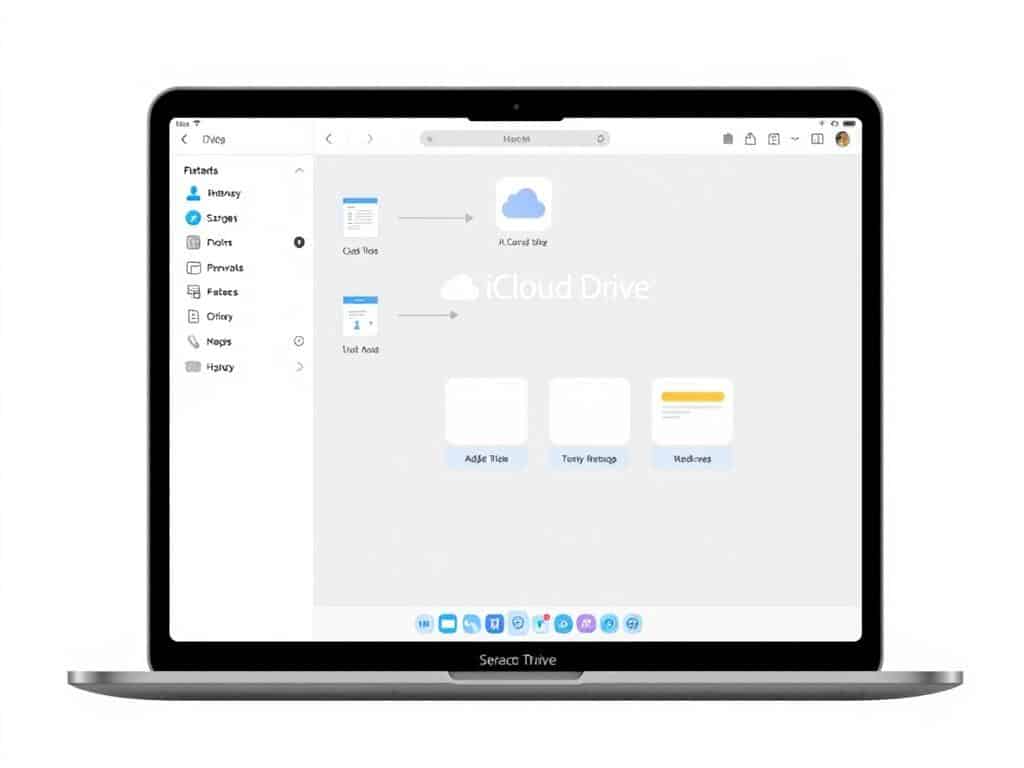
The free Apple iCloud is a must for iPhone and Mac users, as it backs up photos, documents, and settings on their devices.
Pros
Apple iCloud Drive offers seamless integration with Apple devices, making it ideal for those invested in the Apple ecosystem.
Cons
iCloud Drive is not as feature-rich as some competitors and is primarily designed for Apple users.
Features
iCloud Drive includes features like automatic backup, file syncing, and integration with other Apple apps.
Box
Overview
Box isn’t highly competitive in price but offers dozens of integrations with other services and a flexible web app.
Pros
Box excels in business-oriented features, with robust permission controls for file sharing.
Cons
Box is on the pricier side, especially for larger storage needs.
Features
Box includes features like file sharing, collaboration tools, and integration with other business apps.
Sync
Overview
Sync is a reliable tool for storing your files online and syncing them among up to five devices, with paid individual plans starting at $96 per year for 2TB of storage space.
Pros
Sync offers a straightforward approach to cloud storage, emphasizing simplicity and reliability.
Cons
Sync has limitations on the number of devices you can sync.
Features
Sync includes features like file syncing, storage, and a user-friendly interface.
Cloud Storage Security Considerations
As we increasingly rely on cloud storage, it’s crucial to consider the security implications of storing our data online. The convenience of accessing data from anywhere comes with the risk of unauthorized access and data breaches.
Data Encryption and Protection
Data encryption is a critical component of cloud storage security. It involves converting data into a code to prevent unauthorized access. Encryption can be applied both in transit and at rest. When data is transmitted to and from the cloud service, encryption in transit protects it from being intercepted. Similarly, encryption at rest ensures that data stored at the service provider is secure.
Privacy Concerns
Besides encryption, privacy concerns are another significant aspect of cloud storage security. Users must consider the risks associated with data mining, third-party access, and compliance with different privacy regulations. Choosing a cloud storage provider that prioritizes data protection and user privacy is essential.
To mitigate risks, users should opt for cloud storage services that offer robust security measures, including strong passwords, two-factor authentication, and access controls. Balancing security with convenience is key to a satisfactory cloud storage experience.
How to Choose the Right Cloud Storage for Your Needs
As cloud storage becomes increasingly essential, understanding how to pick the right service is vital. The key to making an informed decision lies in assessing your specific needs and requirements.
Personal vs. Business Requirements
For users with personal needs, the focus is on simplicity and ease of access to files. In contrast, businesses require more complex features like collaboration tools, admin controls, and compliance features. Understanding these differences is crucial in selecting the right cloud storage solution.
Compatibility with Your Devices
Ensuring that your chosen cloud storage provider is compatible with your devices is vital. This includes checking for apps on Windows and other operating systems, as well as the ability to access files via a web interface. Compatibility ensures seamless integration and access to your data across different platforms.
By considering these factors and evaluating your storage needs, you can make an informed decision. It’s also important to consider future needs and scalability, as well as the integration capabilities of the cloud storage service with your existing workflows.
Conclusion
As we conclude our exploration of cloud storage, it’s clear that this technology has revolutionized the way we store and access our digital content. The benefits of using cloud storage services are numerous, including enhanced accessibility, security, and collaboration. When choosing a cloud storage provider, it’s essential to consider individual needs and priorities. Whether you’re a Windows user or require robust file syncing and backup, there’s a cloud storage solution tailored to your needs.
By evaluating your current storage solutions and considering the best cloud storage options, you can find a service that seamlessly integrates into your digital lifestyle and workflow.