Did you know that the global computer hardware market was valued at over $400 billion in 2022, with projections to continue growing as technology advances?
This significant figure underscores the importance of understanding the physical components that make up our computing systems. As I delve into the world of hardware, it’s crucial to distinguish it from software, which provides the instructions that hardware executes.
Understanding computer hardware is essential for anyone using devices, whether for personal, professional, or specialized applications. I’ll guide you through the evolution of hardware and its integral parts, explaining how hardware and software work together to create functional computing systems.
Key Takeaways
- Understand the distinction between hardware and software.
- Learn about the evolution of computer hardware.
- Discover the importance of hardware components.
- Explore how hardware and software work together.
- Gain insights into troubleshooting and upgrading hardware.
- Make informed purchasing decisions with knowledge of computer hardware.
Understanding Computer Hardware Basics
Delving into the world of computer hardware reveals a complex ecosystem of physical components and devices that form the foundation of any computing system. To understand how computers work, it’s essential to grasp the basics of their hardware.
What Is Computer Hardware?
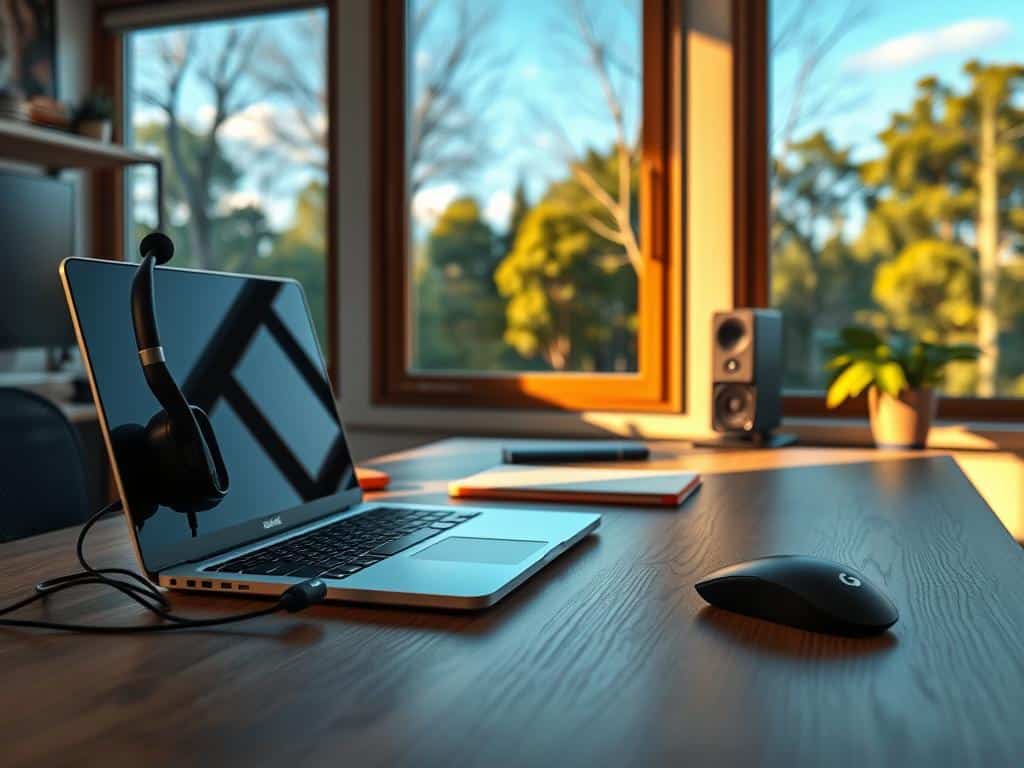
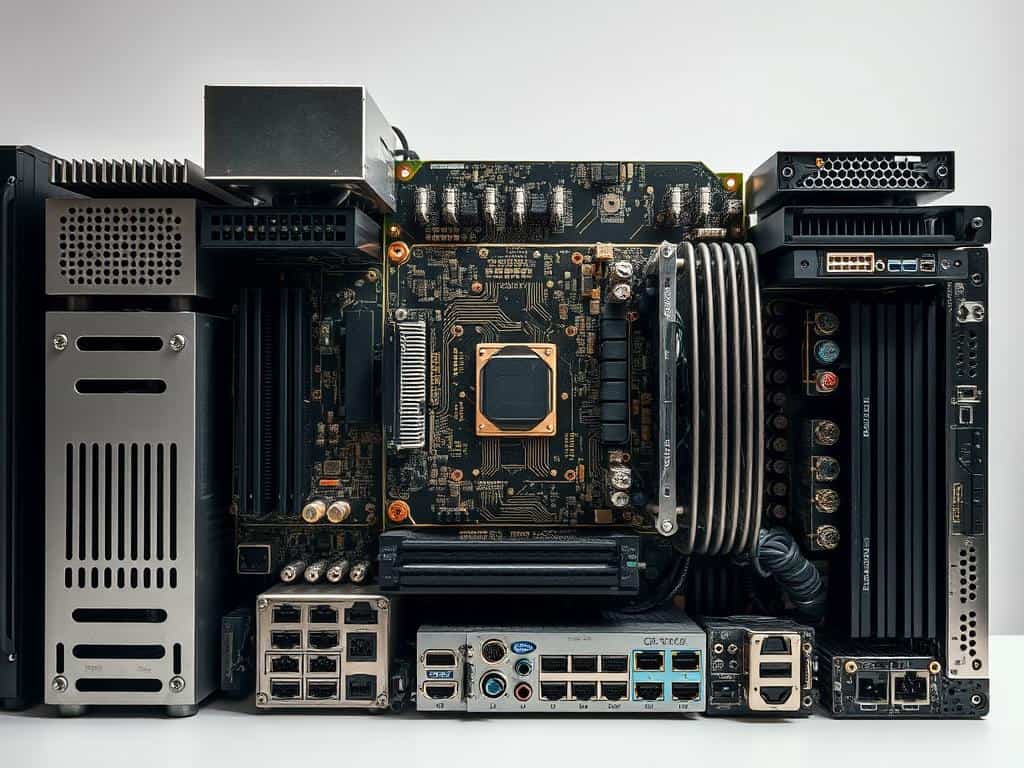
Computer hardware refers to the tangible, physical parts of a computer system that you can see and touch. This includes internal components such as the central processing unit (CPU), random access memory (RAM), motherboard, and storage devices, as well as external devices like monitors, keyboards, and mice. These physical parts work together to process, store, and transmit data, enabling the computer to perform various tasks.
The Relationship Between Hardware and Software
The relationship between hardware and software is symbiotic. While hardware provides the physical platform for computing, software consists of the instructions and programs that tell the hardware what to do. Essentially, hardware is the body of the computer, and software is its brain. Understanding this interdependence is crucial for troubleshooting issues, upgrading system components, and making informed decisions about new purchases. By recognizing how hardware and software work together, users can optimize their computer’s performance and ensure it meets their needs.
The Evolution of Computer Hardware
The history of computer hardware is a story of rapid innovation and transformation. Over time, technology has advanced significantly, leading to the development of more sophisticated computer systems.
From Early Computing Devices to Modern Systems
Early computing devices date back to the seventeenth century, with the invention of mechanical calculators like Pascal’s calculator and Leibniz’s stepped reckoner. These early devices laid the foundation for modern hardware. In the 19th century, Charles Babbage’s difference engine marked a significant milestone. The 20th century saw the development of electronic computers, with Alan Turing’s universal Turing machine providing a theoretical foundation.
Key Milestones in Hardware Development
The invention of the transistor in the late 1940s revolutionized computing by enabling smaller, more reliable components. This led to the development of integrated circuits and, subsequently, chips that improved processing performance. Moore’s Law drove hardware development, enabling increasingly powerful and compact devices. The shift from mainframes to personal computers and the evolution toward mobile and embedded systems have transformed the computer landscape, improving performance and accessibility.
Computer Hardware Architecture
The architecture of computer hardware is a fundamental aspect of computing systems, influencing their performance and efficiency. It encompasses the design and organization of hardware components that enable a computer to process data and execute instructions.
Von Neumann Architecture
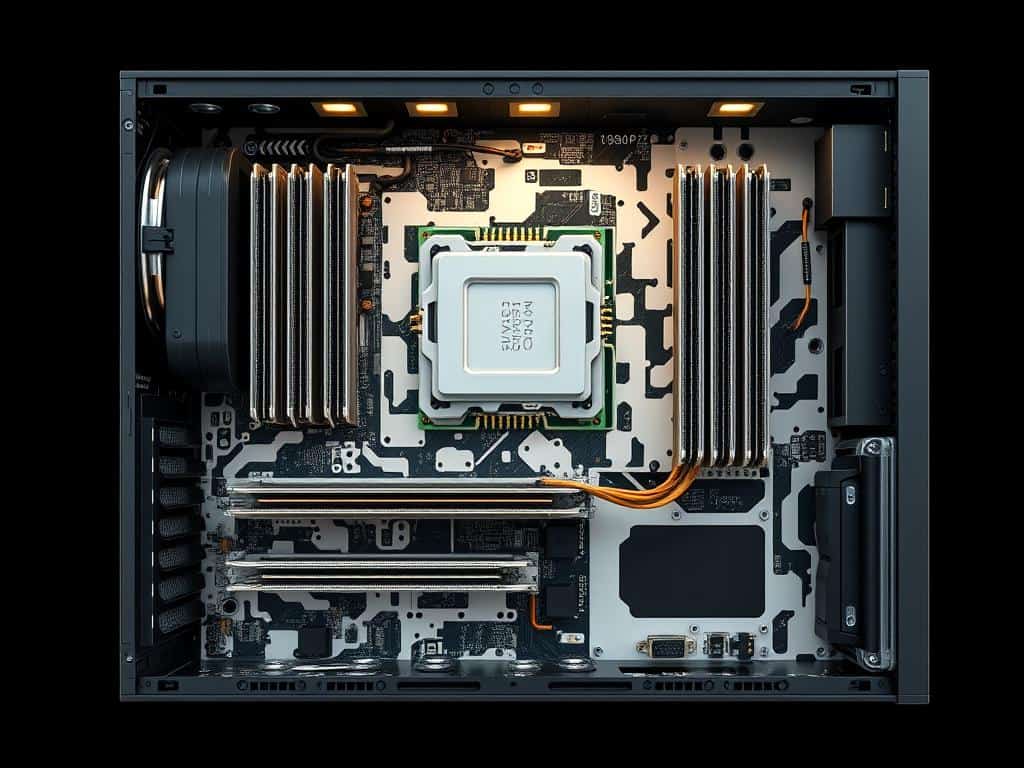
In 1945, John von Neumann devised the von Neumann architecture, which has become the foundation for most modern computers. This architecture features a centralized memory for storing both data and programs, a central processing unit (CPU) that has priority access to memory, and input/output (I/O) units. The use of a single bus to transfer data between these components creates the “Von Neumann bottleneck,” a limitation that occurs when the system attempts to fetch both data and instructions simultaneously, potentially throttling system performance. The Von Neumann architecture’s design has been pivotal in shaping the development of modern computing systems.
Instruction Set Architecture (ISA)
Instruction Set Architecture (ISA) is another critical aspect of computer hardware architecture, defining how a CPU executes instructions. Common types of ISAs include CISC (Complex Instruction Set Computer) and RISC (Reduced Instruction Set Computer). CISC architectures use complex instructions to minimize the number of instructions needed, whereas RISC architectures employ simpler instructions, potentially increasing the number of instructions required but enhancing performance through improved pipelining and reduced power consumption. Modern processors often blend elements of both CISC and RISC architectures to achieve a balance between performance and efficiency.
Essential Internal Computer Hardware Components
When building or upgrading a computer, understanding the essential internal hardware components is crucial for optimal performance. These components work together to provide a seamless user experience, and knowing their roles is vital for making informed decisions.
Motherboard: The Central Hub
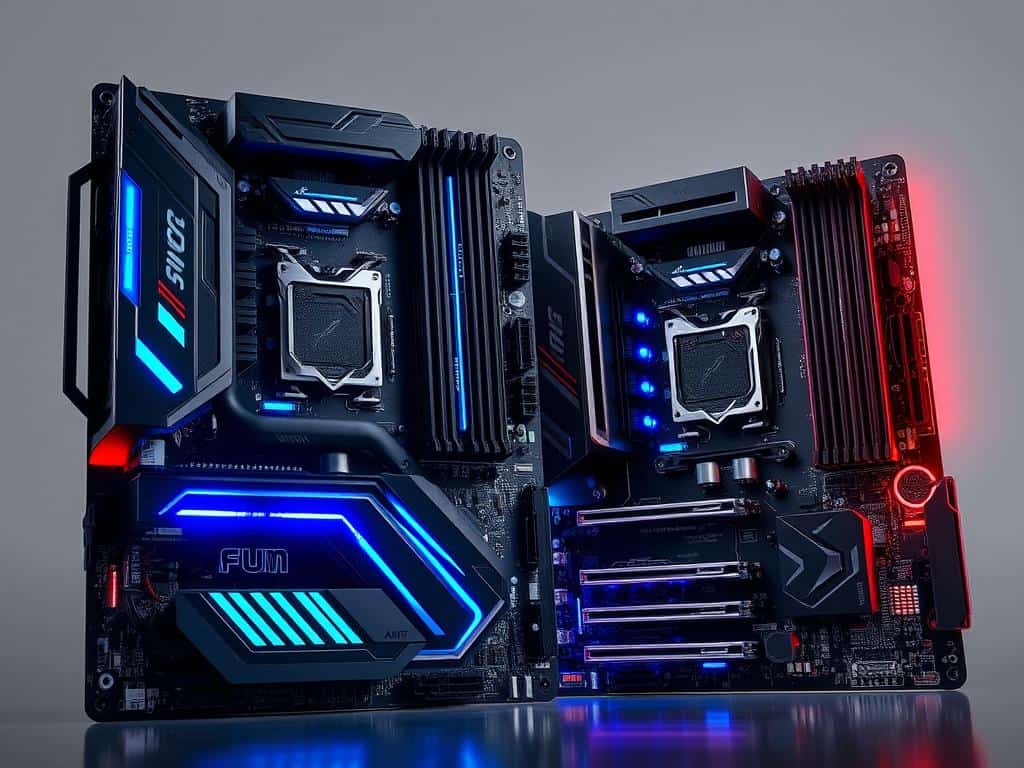
The motherboard is the main component of a computer, connecting all other parts together through various buses and interfaces. Its form factor and chipset determine compatibility with other hardware. When choosing a motherboard, consider the type of CPU, RAM, and storage you plan to use.
Central Processing Unit (CPU): The Brain
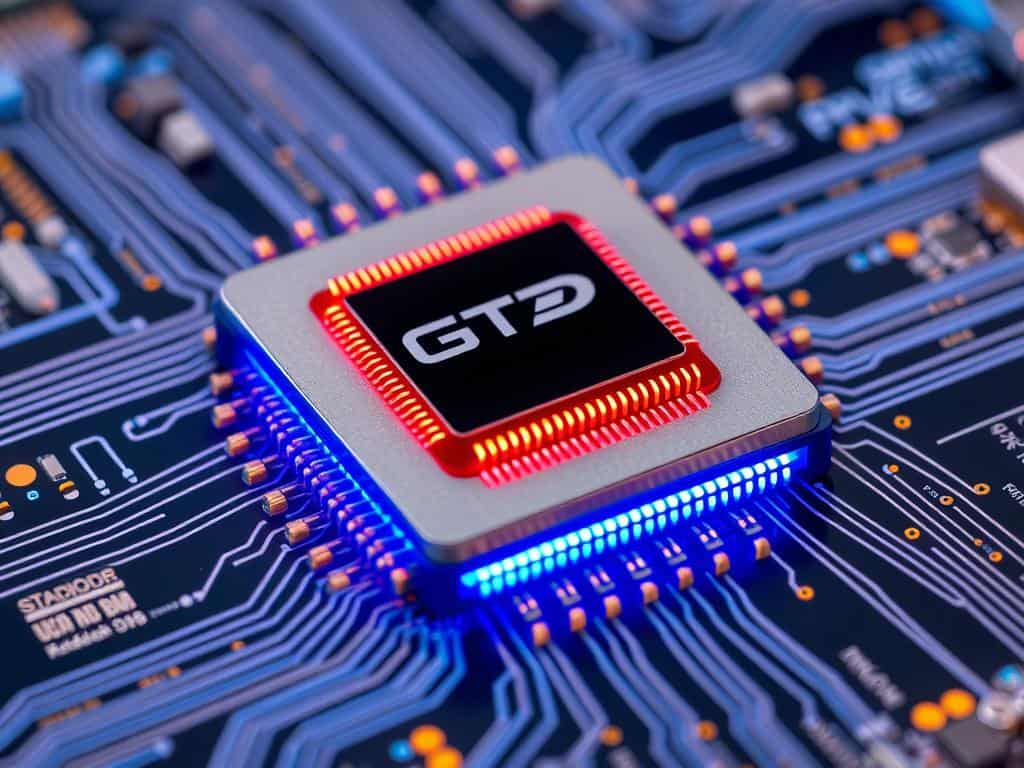
The CPU, or central processing unit, is the brain of the computer, executing instructions and handling calculations. Its architecture, clock speeds, cores, and cache memory all impact performance. For demanding tasks like gaming and content creation, a fast CPU is essential.
Random Access Memory (RAM): Temporary Storage
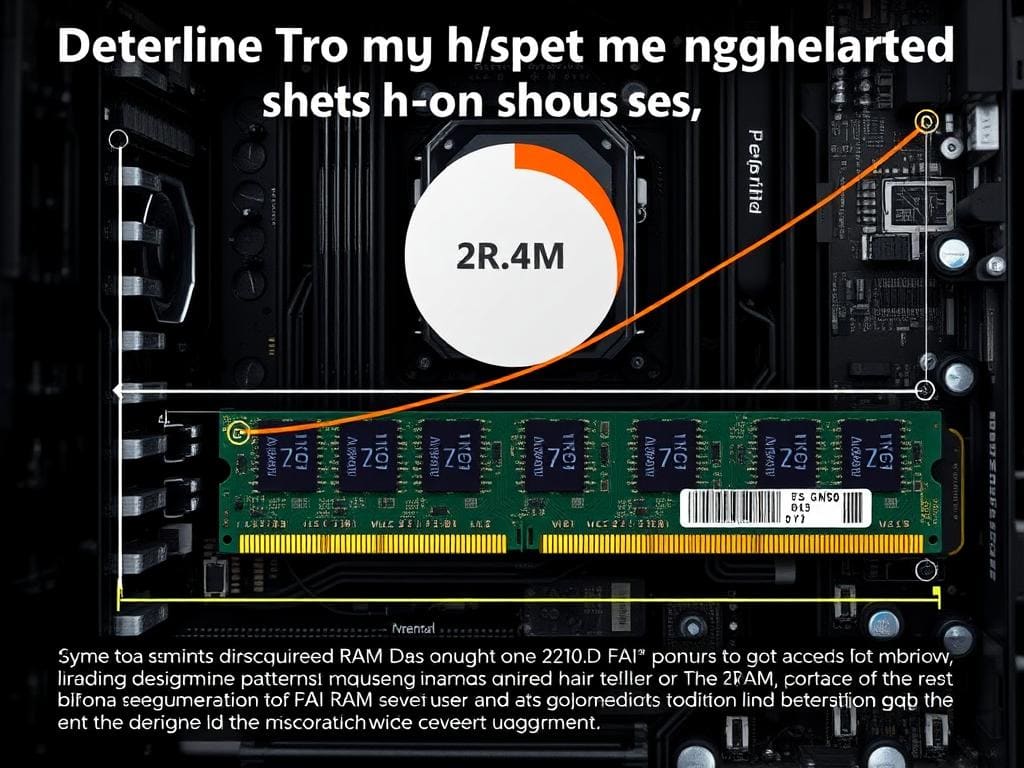
RAM, or random access memory, provides temporary storage for data being actively accessed by the CPU. The type, capacity, and speed of RAM all impact system performance. Insufficient RAM can create bottlenecks, especially in demanding applications.
Storage Devices: HDD vs. SSD
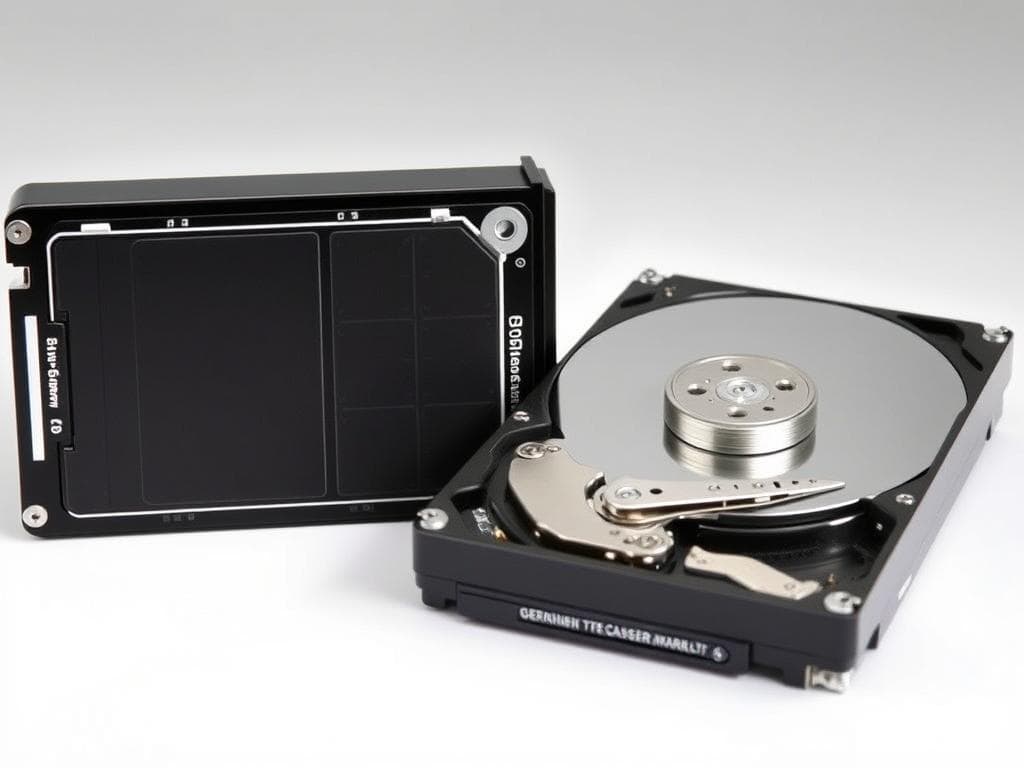
Storage devices, such as hard disk drives (HDDs) and solid-state drives (SSDs), provide permanent storage for data. SSDs offer faster access times and lower latency, while HDDs provide higher storage capacities at a lower cost. The choice between HDD and SSD depends on your specific needs and priorities.
In conclusion, understanding the essential internal computer hardware components is vital for building or upgrading a computer. By choosing the right motherboard, CPU, RAM, and storage, you can create a system that meets your needs and provides optimal performance.
Graphics and Visual Processing Hardware
Graphics processing is a critical aspect of modern computing, influencing everything from gaming to professional design work. The hardware responsible for this processing is diverse and has evolved significantly over the years.
Graphics Processing Units (GPUs)
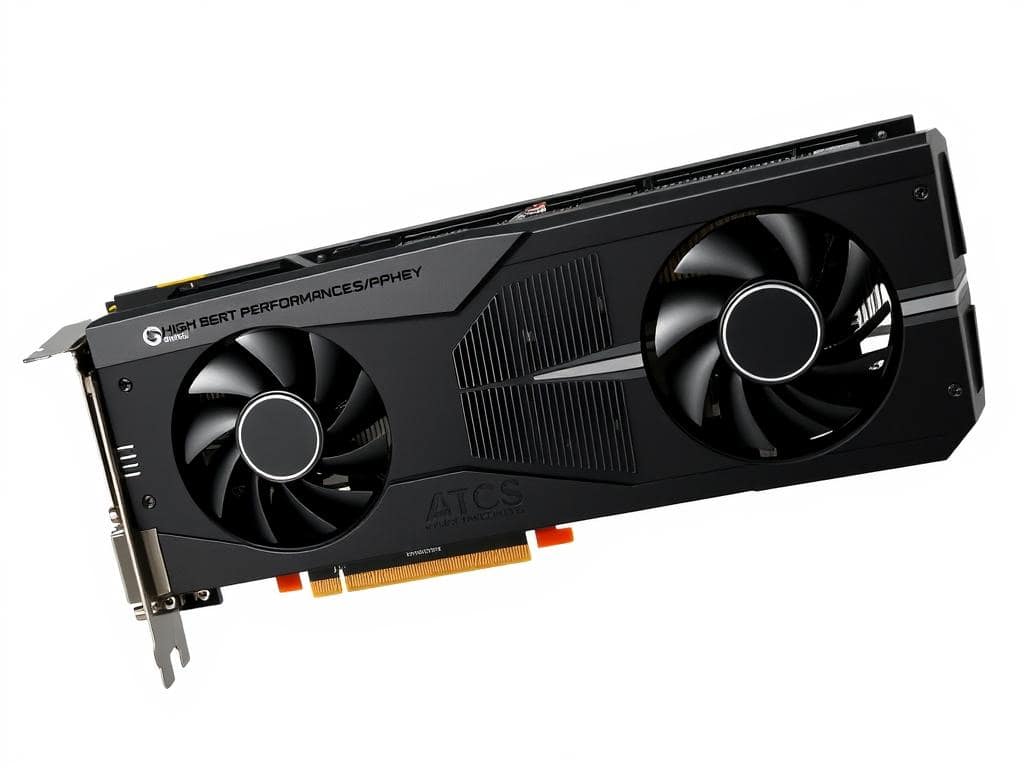
A Graphics Processing Unit (GPU) is a specialized electronic circuit designed to quickly manipulate and alter memory to accelerate the creation of images in a frame buffer intended for output to a display device. Modern GPUs are not just limited to graphics rendering; they also handle computationally intensive tasks such as machine learning, cryptocurrency mining, and scientific simulations. The distinction between integrated GPUs (built into the CPU) and dedicated graphics cards is significant, with dedicated cards offering superior performance for gaming and professional applications.
Display Technologies and Monitors

Display technologies have seen remarkable advancements, with LCD, LED, OLED, and emerging technologies offering varying degrees of color accuracy, refresh rates, and energy efficiency. When choosing a monitor, specifications such as resolution, aspect ratio, panel type (TN, IPS, VA), and features like HDR and adaptive sync technologies (G-Sync, FreeSync) are crucial. Understanding these factors helps in selecting the right display technology based on specific needs, whether for gaming, professional design work, or general productivity.
Power and Cooling Systems
Power and cooling systems play a vital role in ensuring the reliability and performance of computer hardware. These systems are crucial for maintaining optimal operating conditions, preventing overheating, and ensuring stable power delivery.
Power Supply Units (PSUs)
When it comes to choosing a power supply for your PC, several factors need to be considered. The power rating, or wattage, is a critical aspect as it determines the total power available to all components. Efficiency certifications like 80 Plus Bronze, Silver, or Gold indicate how effectively the PSU converts AC power to DC power, with higher certifications denoting better efficiency.

Cooling Solutions for Computer Hardware
Effective cooling is essential for maintaining the performance and longevity of computer components. Various cooling solutions are available, including air cooling methods that utilize heat sinks and fans, and liquid cooling systems that can be either closed-loop or custom-designed. The choice of cooling solution depends on the specific requirements of the system, including the CPU and GPU heat output.
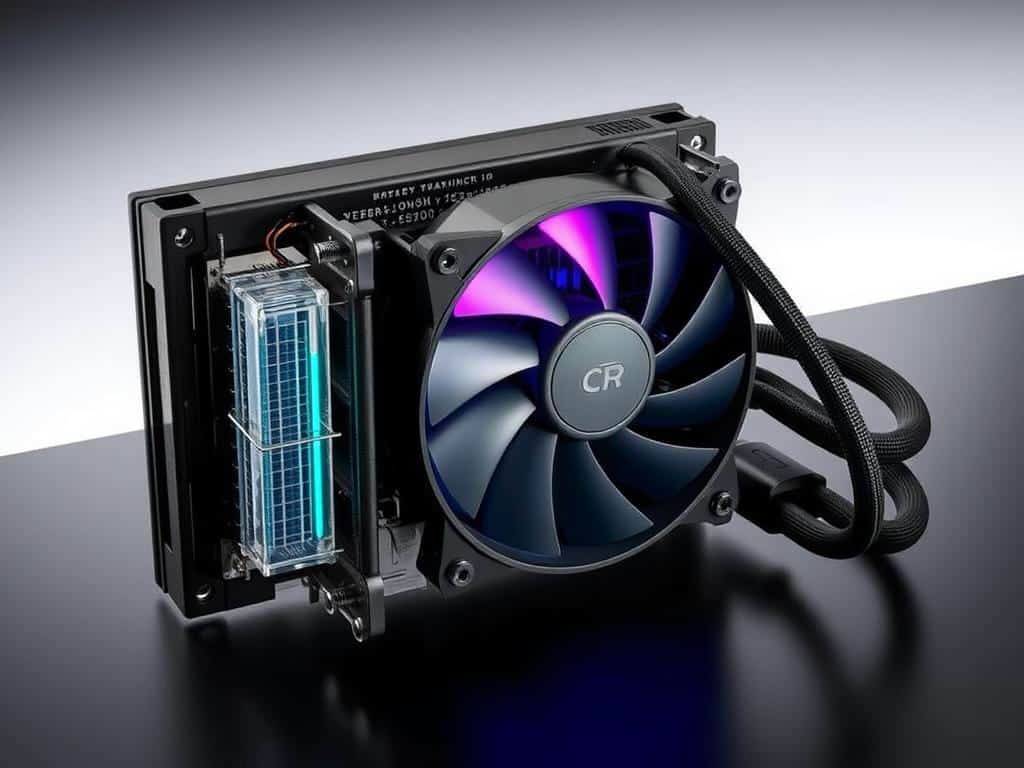
In conclusion, both power supply units and cooling solutions are critical components of a computer system. By understanding the importance of these elements and making informed choices, users can ensure their systems operate efficiently and reliably.
External Hardware and Peripherals
Understanding external hardware is key to maximizing a computer’s potential. External hardware components, also known as peripherals, are devices that connect to a computer to provide input or output functions.
Input Devices: Keyboards, Mice, and More
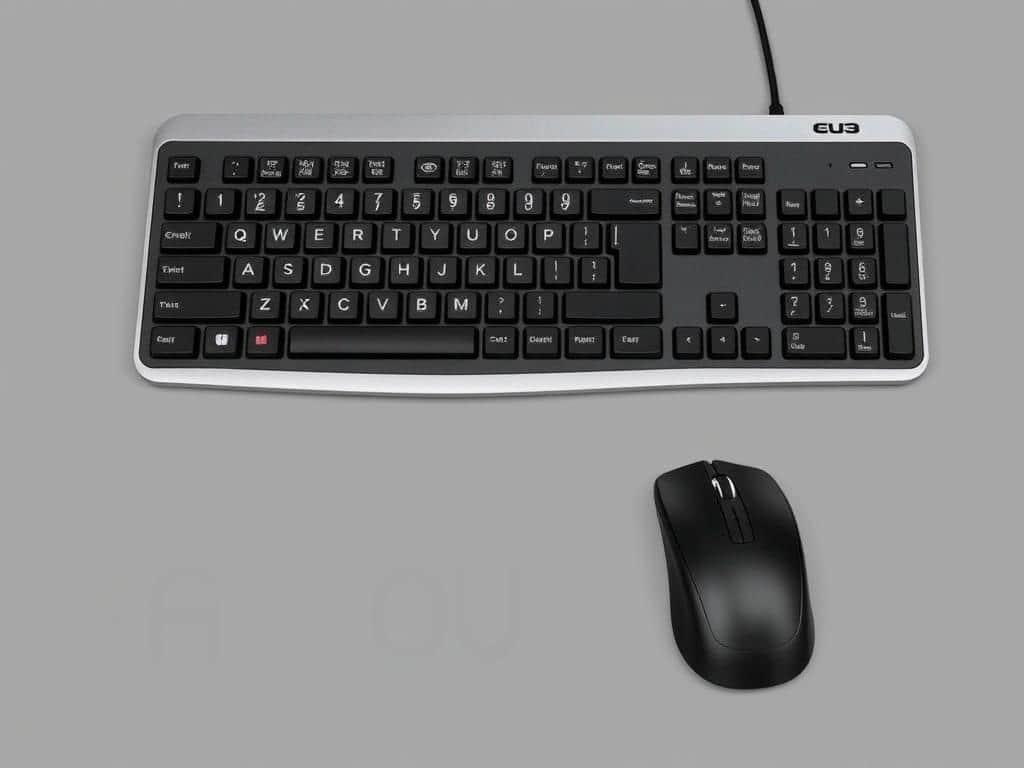
Input devices send data to the computer, enabling users to interact with it. Examples include keyboards, mice, and specialized tools like graphics tablets. Ergonomic design is a significant factor in input devices, as it can reduce strain during extended use. For instance, ergonomic keyboards and mice are designed to provide comfort and prevent injuries such as carpal tunnel syndrome.
Output Devices: Monitors, Printers, and Speakers
Output devices present information from the computer to the user. Common output devices include monitors, printers, and speakers. The trend towards wireless output devices, such as wireless speakers and Bluetooth headphones, is gaining popularity due to the convenience they offer. Wireless peripherals reduce clutter and enhance mobility.
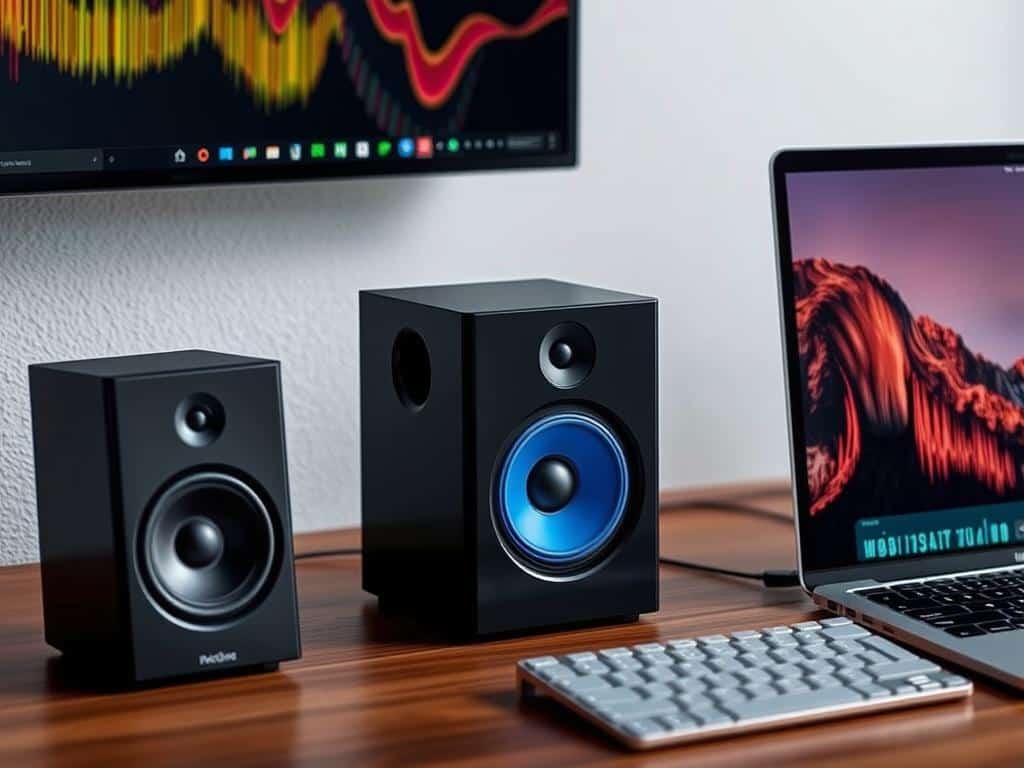
In conclusion, external hardware peripherals are essential for a comprehensive computing experience. They come in various forms, catering to different needs and preferences. Whether it’s for input or output, these devices are designed to enhance the functionality and usability of computers.
Types of Computer Hardware Systems
Computer hardware systems are diverse, catering to various needs and applications. The type of hardware used depends on the intended use, from personal computing to large-scale enterprise solutions.
Personal Computers: Desktops and Laptops
Personal computers, including desktops and laptops, are among the most common types of computer hardware systems. Desktop computers consist of separate components such as the computer case, which houses the motherboard, storage devices, and power supply. Laptops integrate these components into a single, portable unit, often sacrificing upgradeability for mobility. While desktops offer better performance and easier upgrades, laptops provide the convenience of mobility.
Mobile Devices and Tablets
Mobile devices, including smartphones and tablets, represent another category of computer hardware systems. These devices are designed for portability and use touch screens as their primary input method. Their hardware is optimized for low power consumption and compact design, often at the expense of raw performance. Despite this, they are capable of performing many tasks that were once exclusive to traditional computers.
Servers and Enterprise Hardware
Servers and enterprise hardware are designed for high reliability, performance, and scalability. These systems are typically used in data centers and large enterprises, where they handle tasks such as data storage, network management, and application hosting. Unlike personal computers, servers are optimized for continuous operation and often feature redundant power supplies, cooling systems, and other components to ensure maximum uptime.
Hardware Virtualization and Cloud Computing
Hardware virtualization is revolutionizing the way we utilize computer resources. By abstracting physical hardware from the software that uses it, virtualization enables more efficient use of computing resources.
Virtual Hardware vs. Physical Hardware
Virtual hardware is created by software that emulates physical components, allowing multiple operating systems to run on a single physical machine. This abstraction layer, managed by a hypervisor, enhances resource utilization and flexibility. Virtualization is crucial in cloud environments, where it enables the efficient allocation of data storage and processing power.
Hardware as a Service (HaaS)
Hardware as a Service (HaaS) is a model where organizations lease physical hardware instead of purchasing it. This approach shifts costs from capital expenditures to operational expenditures, providing flexibility and reducing the need for frequent hardware upgrades. HaaS is particularly beneficial for businesses with fluctuating demands for computing resources, as it allows them to scale their infrastructure according to their needs.
Conclusion: The Future of Computer Hardware
As technology advances, the importance of understanding computer hardware cannot be overstated. Throughout this article, we’ve explored the various components and systems that make up modern computer systems, from the CPU and memory to storage devices and power supply units.
The future of computer hardware is exciting, with emerging trends like quantum computing, neuromorphic chips, and advanced materials promising to revolutionize performance and power efficiency. As computing becomes increasingly integral to our daily lives, the demand for faster processors, higher-capacity storage, and more efficient systems will continue to drive innovation.
Understanding the fundamentals of computer hardware will remain crucial, even as technology evolves. This knowledge will empower users to make informed decisions about their computing needs, whether they’re gamers, professionals, or simply consumers. By staying informed about the latest developments in hardware and computing, we can harness the full potential of modern computer systems.